Services and prices
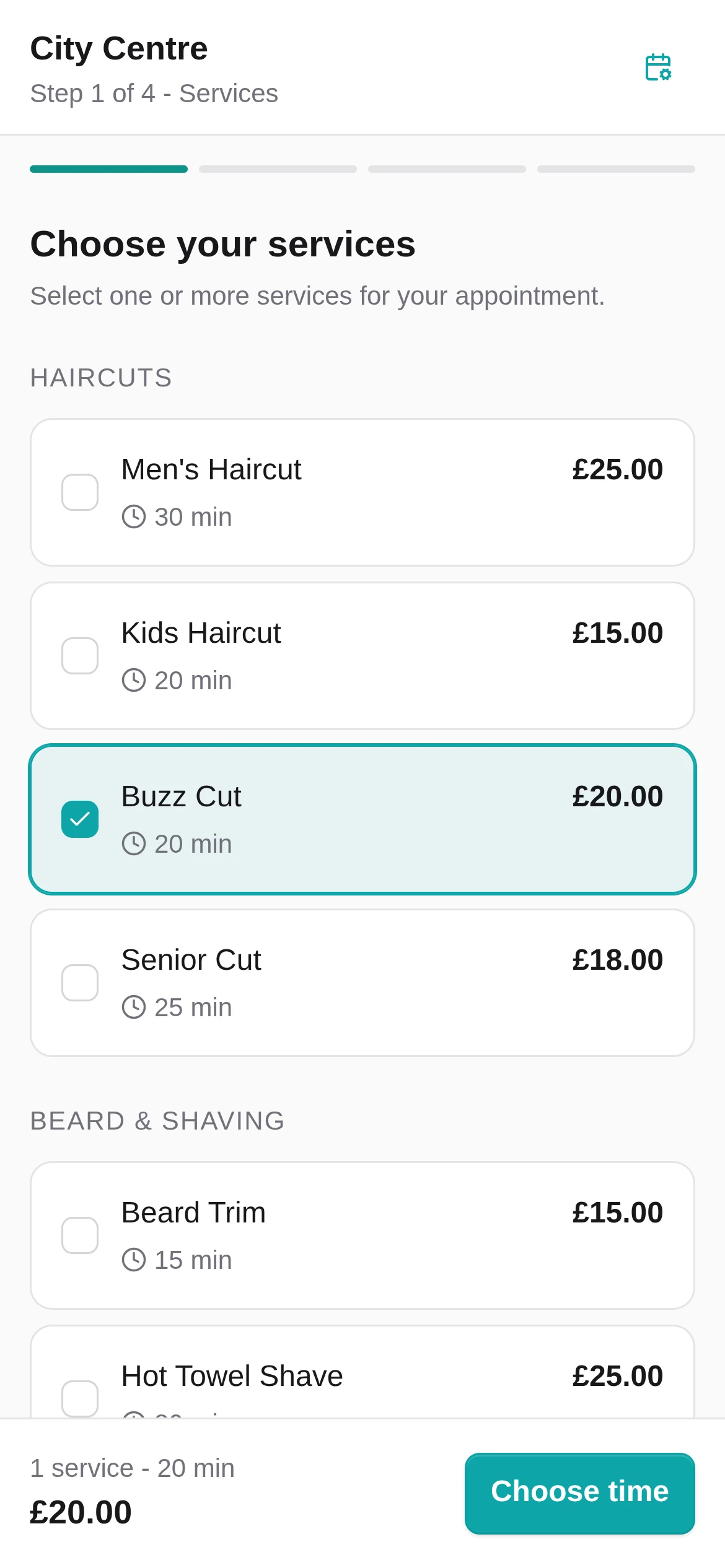
Map service names, durations and prices from the files your provider gives you.
Switching from Setmore
Setmore is a useful general scheduler. Setora is narrower on purpose: direct bookings, customer ownership and one flat UK price per location.
What can move
The exact result depends on the fields in your export. Review every file and mapping before relying on it.
Map service names, durations and prices from the files your provider gives you.
Set up the team, the services they provide and when they are available.
Recreate each location's opening times, breaks and booking availability.
Import names, contact details, consent and useful history when those fields are included.
Past and upcoming appointments can move when the export contains the required fields.
Bring across client notes and preferences when they are included in your export.
A careful move
Keep taking bookings on Setmore while Setora is set up. Change your public links only after you have checked the new flow.
Download what Setmore makes available, or request your portable data before you cancel.
Add your services, team and opening hours while the old booking link stays live.
Review the files you have, check the mapping and run a test booking from both sides.
Update Google, Instagram and your website only when the new Booking Page is ready.
Need a hand with the move?
Book a short call. We'll review what Setmore can export, agree what Setora can import and plan when to change your booking links.
Setmore vs Setora
A worked monthly example for three Setmore Pro users, converted into pounds before exchange-rate changes or add-ons.
How we compared: Setmore can be cheaper if you only need basic scheduling. This example uses three Pro users at $11.99/user/month and a rough GBP conversion before exchange-rate changes or add-ons. Setora is £59/month per location, before VAT where applicable. SMS credits and card processing are separate if you use them. Competitor prices, add-ons, taxes, marketplace fees and exchange rates can change, so check the current provider pricing before you decide.
Data and timing
Request the records Setmore provides before cancelling. Import the supported fields, review them and keep the old account live until your Setora setup has been tested.
Export before cancelling. Ask for the records you need while your current account is still active.
Check before changing links. Review imported records and test the booking flow first.
Keep a secure copy. Store the original export safely while you check the move.
Keep an exit route. People with permission can export customer records and available reports from Setora.
Before you decide
Setmore pricing and export routes can change. Check Setmore's current pricing and support documentation before making a final decision.
Before you switch
What to check before moving away from Setmore.
Setmore lets owners export contacts as CSV, with limits depending on the route used. For staff data or appointment history, you may need a data portability request. Setora helps import the files you receive.
For a small shop that only needs basic scheduling, it may be. Setora is built for owners who want a shop-focused Booking Page, staff setup, portable customer data and no Setora commission.
A staff member can add a walk-in in kiosk mode so it lands beside booked appointments. Setora does not provide customer self-check-in or a customer-facing queue.
If a platform bills UK shops in dollars, exchange rates can change the final monthly amount. Setora bills UK customers in pounds, with one platform price per location.
If Google Calendar is central to your setup, check the current integration options before switching. Setora's core calendar is built around your staff, services and Booking Page.
Yes, if you want a platform built around UK shop routines, flat location pricing and portable customer data. Setmore can still suit owners who only need a general appointment scheduler.
Switch from Setmore
Bring the data Setmore provides, test your Booking Page, then switch your public links. No card required, no lock-in, £59/month per location after the trial. SMS credits and card processing are separate if used.
14 days free. No card required.