Fewer calls and DMs
Customers can check their own booking details instead of messaging the shop to ask what time they are in.
Booking Page
Self-service bookings handle the admin after a booking is made. Customers can view upcoming and past bookings, reschedule, or cancel from your branded Booking Page.
How it works
They choose to manage an existing booking from the same branded page they already use to book.
Setora sends a one-time code to the email address or phone number already attached to their booking, shown in redacted form.
Upcoming bookings can be rescheduled or cancelled. Past bookings stay available for reference.
In the product
Customers can check their own booking details instead of messaging the shop to ask what time they are in.
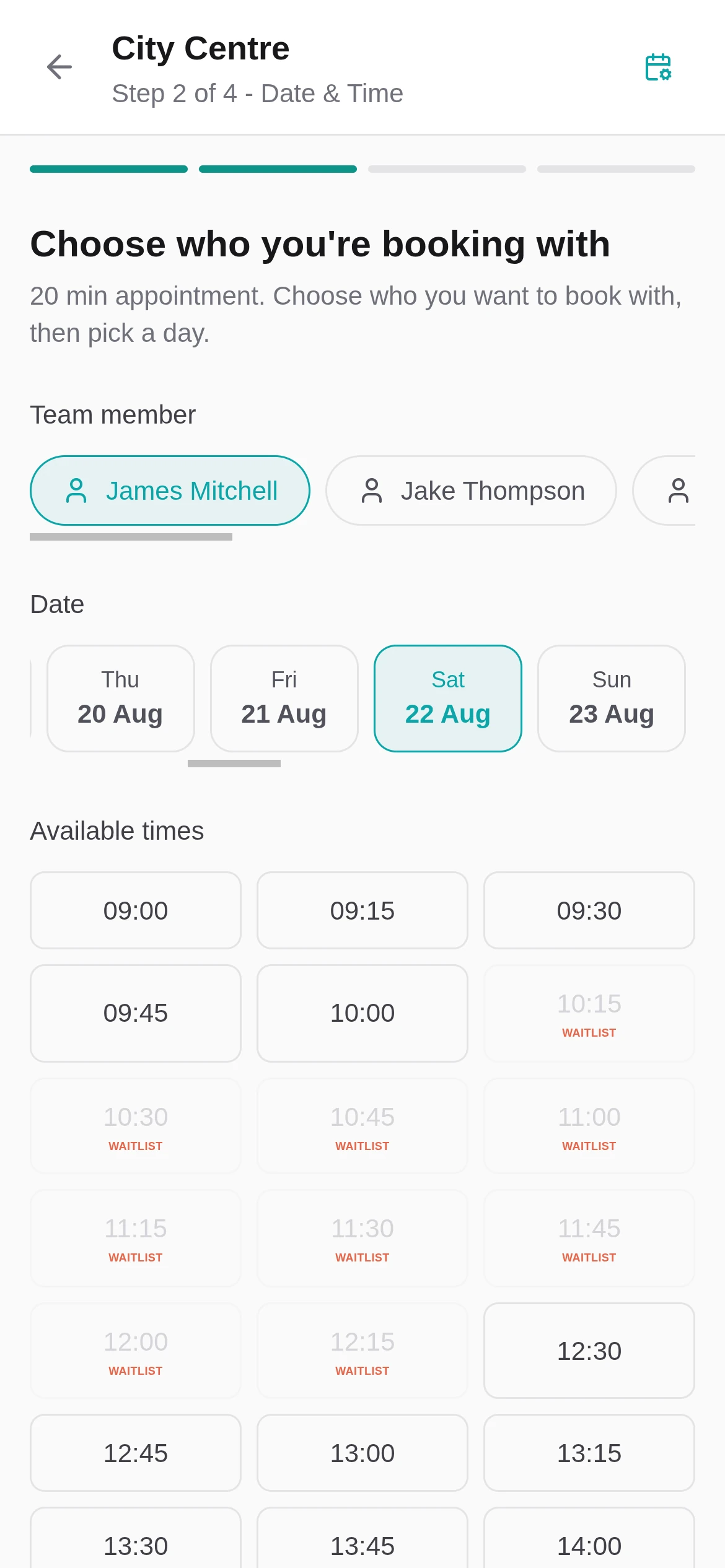
If a time no longer works, customers can move the booking through your live availability instead of cancelling outright.
Reschedules check availability. Cancellations update the booking record. Staff see the result in Setora.
Less back-and-forth
This is not a separate customer account area. It lives where customers already expect it, carrying your shop details and booking rules.
Customers verify with the email address or phone number used when the booking was created. Setora partially hides the contact detail on screen.
The flow works in the browser at your Booking Page address. Customers do not need to create an account or download anything.
Customers can see upcoming and past bookings from the same page they already use.
Customers can cancel themselves, while Setora still respects your booking rules and keeps the diary accurate.
Self-service changes sit alongside Setora's calendar, Booking Protection and reminders.
Questions
The questions shop owners ask us most about this.
Yes. Customers can sign in from your Booking Page, view upcoming bookings and reschedule to another available slot. Setora checks availability before the move is saved.
Yes. Customers can cancel from the same manage-booking flow. Your booking rules still apply, so the cancellation flow stays controlled.
No. They sign in with a one-time code sent to the email address or phone number they used when creating the booking. Setora partially redacts the contact detail on screen for extra privacy.
They manage bookings from your Booking Page at book.setora.co.uk/your-shop. It is part of the same branded booking flow customers already use.